
Websites Were Designed for Humans. What Changes When AI Agents Become Visitors Too?
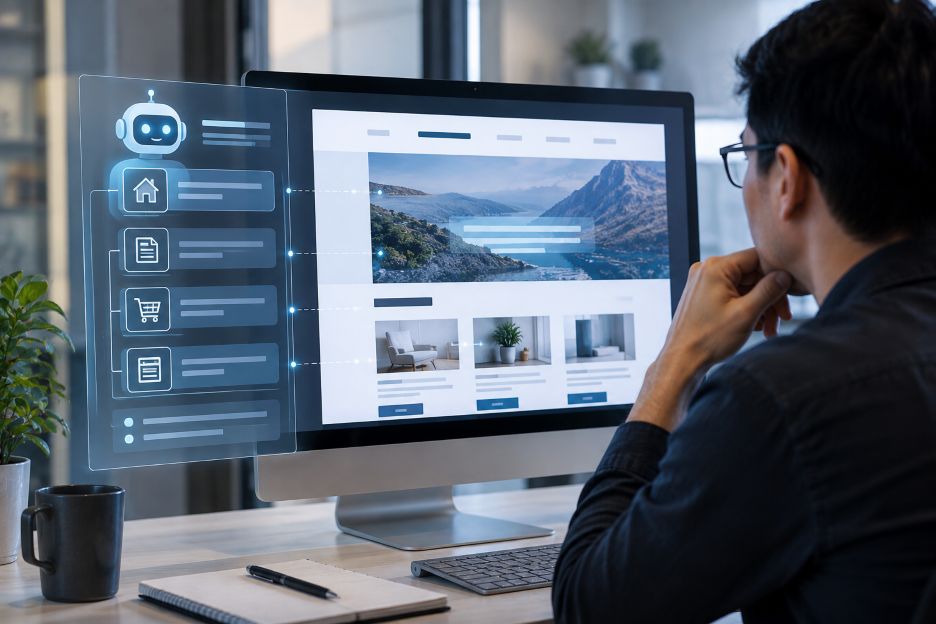
AI systems can increasingly navigate websites and perform actions instead of simply returning information. OpenAI’s browser tools can read pages, click buttons, enter information and work through supported online tasks, while Google’s Gemini in Chrome can navigate sites for activities such as product research, travel booking and appointment scheduling.
That development introduces a new type of website visitor. Traditional web design has focused mainly on what people can see, understand and click. AI agents may also need to identify products, interpret navigation, understand forms and determine which interface elements perform particular actions. A visually attractive page can therefore be difficult for software to use if its underlying structure is unclear.
The Problem: Visual Meaning Is Not Always Machine Meaning
People are good at interpreting visual clues. A large heading usually signals importance. A brightly styled box may look like a product card. A button placed beside a price probably appears related to the item above it.
Software cannot always rely on those assumptions. Agents may interact through screenshots, webpage structure or specialized tools. OpenAI explains that its computer-using systems can work from visual information and perform actions such as clicking, scrolling and typing. Newer site-tool approaches can also let websites expose functions directly to an AI system.
This creates a practical design challenge. Interfaces built around unusual gestures, unclear labels or highly customized components may require more interpretation. Predictable structure can make the task easier.
A Better Foundation Starts With Semantic Structure
Many practices that help software agents already exist because they help accessibility and conventional web technologies. W3C recommends using semantic HTML according to the meaning of the content. Correct markup tells user agents whether something is a heading, paragraph or another meaningful part of the document rather than communicating structure through appearance alone.
This matters for humans as well. Assistive technologies depend on understandable names, roles and relationships. Clear headings, descriptive controls and properly structured forms reduce ambiguity for people who navigate websites differently.
Structured Information Gives Machines More Context
Machine-readable information can provide another layer of clarity. Structured data, descriptive metadata and consistent content models can make the meaning of products, organizations and other information more explicit.
The same principle applies to interactions. A form field labeled clearly as an email address is easier to interpret than an unexplained input box. A button called “Book Appointment” communicates more than a vague label such as “Continue.”
Predictability may become increasingly important as agents perform multi-step tasks. Google warns that browser agents can still misunderstand websites or take unintended actions, which shows why interface clarity remains important even as the technology improves.
The Bridge: Design for People and Software Together
Designing for agents does not require turning websites into machine-first environments. Human visitors still need appealing layouts, clear writing and intuitive journeys. The emerging opportunity is to make the visible interface and underlying structure tell the same story.
A product should look like a product and be represented clearly in the page structure. Navigation should be understandable without guessing. Forms should have meaningful labels. Important actions should behave consistently.
Cleaner Websites May Benefit Everyone
The rise of AI agents could encourage web teams to reconsider unnecessary complexity. Semantic markup, accessibility, clear navigation and predictable controls were useful long before autonomous browsing became practical.
Now those practices have another audience. Websites may increasingly serve people who browse directly and software acting on their instructions. Designing successfully for both could push the web toward interfaces that are easier to interpret, easier to automate and, in many cases, easier for humans to use as well.